
Image To SVG Converter Updated 2026
Image to SVG Converter
Convert PNG, JPG, and WEBP images into scalable SVG vector files online for free.
Convert PNG, JPG, and WEBP images to scalable SVG format online for free. Fast, high-quality vector conversion tool with no installation required.
In today’s digital world, image optimization is not just about size — it’s about flexibility, scalability, and performance. While formats like PNG, JPG, and WEBP are widely used, they are raster-based and lose quality when scaled.
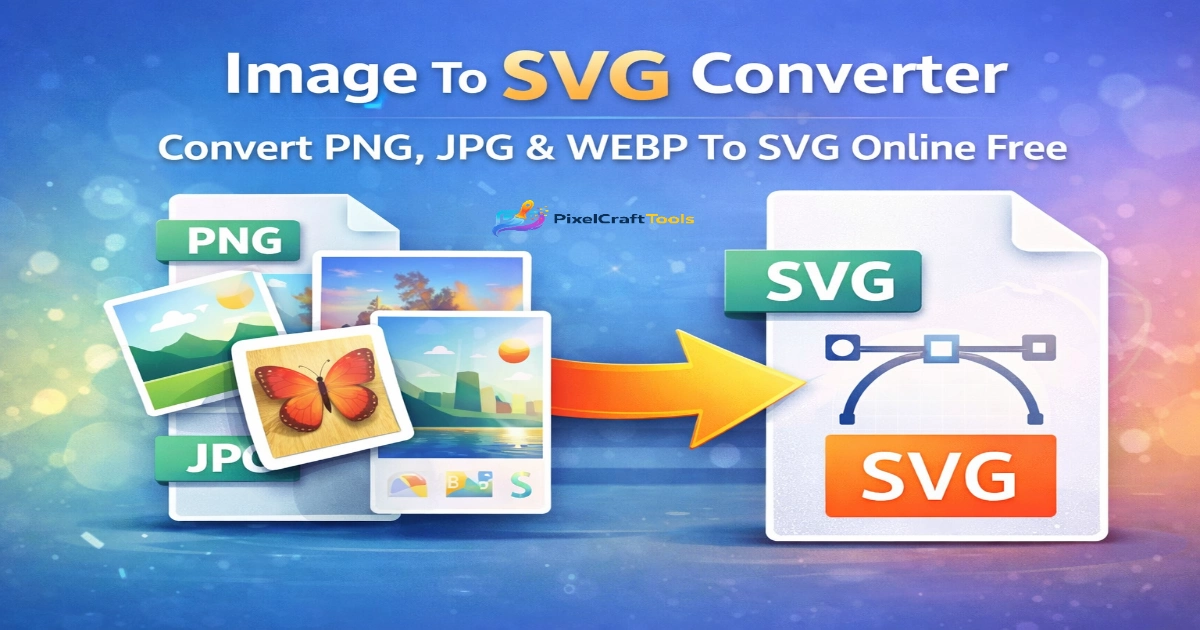
This is where SVG (Scalable Vector Graphics) becomes powerful.
An Image to SVG Converter allows you to transform standard images into vector graphics that remain sharp at any resolution — making them ideal for logos, icons, and web design.
Optimize your images using tools like the Image Resizer Tool
What is Image to SVG Conversion?
Image to SVG conversion is the process of converting raster images (pixel-based) into vector graphics (path-based).
Key Difference:
- PNG/JPG/WEBP → Pixel-based (fixed resolution)
- SVG → Vector-based (infinite scalability)
Unlike normal images, SVG files use mathematical paths, allowing them to scale without losing quality.
Generate visuals using the AI Image Generator Tool
Why Convert Images to SVG?
1. Infinite Scalability
SVG images can be resized without losing clarity — perfect for responsive design.
2. Lightweight Performance
SVG files are often smaller in size for simple graphics, improving website speed.
3. Ideal for Logos & Icons
Logos created in SVG look sharp on all devices — mobile, desktop, and retina displays.
4. SEO & Web Optimization
Search engines prefer fast-loading and scalable visuals, making SVG a smart choice.
Convert vectors with the SVG to PNG Converter Tool
How to Convert PNG, JPG & WEBP to SVG
Using an online converter like PixelCraftTools is simple:
Steps:
- Upload your PNG, JPG, or WEBP file
- Tool analyzes image structure
- Converts pixels into vector paths
- Download SVG instantly
No software or design skills required.
Reduce file size with the Image Compressor Tool
Supported Formats
The converter supports multiple input formats:
- PNG → SVG
- JPG → SVG
- WEBP → SVG
This makes it a complete solution for all image conversion needs.
Important Note About Conversion Quality
Not all images convert perfectly to SVG.
⚠️ Best Results For:
- Logos
- Icons
- Simple illustrations
❌ Not Ideal For:
- Complex photos
- Detailed images
👉 Because vector conversion requires shape detection (called “vector tracing”).
Convert formats using the Convert Image to WebP Tool
When Should You Use SVG Instead of PNG/JPG?
Use SVG when:
- You need scalable graphics
- You’re designing a website logo
- You want crisp UI icons
- You need responsive images
Avoid SVG when:
- Image is highly detailed (photo-based)
- Realistic textures are required
Performance Benefits for Websites
Using SVG images can significantly improve:
- Page loading speed
- Core Web Vitals
- Mobile responsiveness
👉 SVG files can also be styled using CSS, giving developers more flexibility.
Complete Image Optimization Workflow PRO LEVEL
For best results, combine multiple tools:
👉 Resize images before conversion
👉 Convert to WebP for speed
👉 Remove background if needed
👉 Generate new images using AI
This creates a complete image optimization pipeline.
Remove backgrounds with the Background Remover Tool
AI & Content Responsibility Notice
AI-assisted tools may generate outputs based on learned patterns rather than guaranteed originality. Users should carefully review generated visuals before use, especially in commercial contexts, to ensure compliance with intellectual property laws.
📚 References:
https://www.copyright.gov/ai/
https://creativecommons.org/licenses/
Content Quality & Search Compliance
This content is designed to provide helpful, user-focused information aligned with modern search quality principles. It avoids misleading claims and focuses on clarity, accuracy, and usability.
📚 References:
https://developers.google.com/search/docs/fundamentals/helpful-content
https://developers.google.com/search/docs/essentials/spam-policies
Advertising Transparency
This page follows ethical monetization practices. Content is created for user value and is not designed to manipulate ad engagement or mislead visitors.
📚 References:
https://support.google.com/adsense/answer/48182
https://support.google.com/adsense/answer/16737
Final Thoughts
Converting PNG, JPG, and WEBP images to SVG is a powerful way to future-proof your visuals. Whether you’re building a website, designing a logo, or optimizing performance, SVG gives you unmatched flexibility and quality.
👉 Start using vector graphics today to improve speed, scalability, and design consistency.
General Disclaimer
The information and tools provided on this page are intended for general informational and utility purposes only. While we aim to ensure accuracy and reliability, we do not guarantee that all outputs or results will be error-free, complete, or suitable for every specific use case.
Users are responsible for reviewing and verifying any converted or processed files before using them for professional, commercial, or legal purposes.
Image Conversion Disclaimer
Image conversion results may vary depending on the original file quality, complexity, and format. Converting raster images (such as PNG, JPG, or WEBP) into vector formats (SVG) may not always produce perfect results, especially for highly detailed or photographic images.
For best outcomes, users should work with simple graphics, icons, or logos.
Legal & Usage Responsibility
Users must ensure that any images uploaded or processed through this platform comply with applicable copyright laws and usage rights. We do not store, distribute, or claim ownership of user-uploaded content.
Any misuse of copyrighted material is solely the responsibility of the user.
No Data Storage Assurance
We prioritize user privacy. Files uploaded for conversion are processed temporarily and are not stored permanently on our servers. However, users should avoid uploading sensitive or confidential content.
Educational Purpose Statement
All content on this page is provided for educational and informational purposes only. It should not be interpreted as professional, legal, or technical advice.
Frequently Asked Questions (FAQs)
What is an Image to SVG converter?
An Image to SVG converter is a tool that converts raster images like PNG, JPG, and WEBP into scalable vector graphics (SVG). This allows images to be resized without losing quality and used in web design, logos, and illustrations.
How do I convert PNG, JPG, or WEBP to SVG?
You can easily convert images by following these steps:
1. Upload your PNG, JPG, or WEBP file
2. The tool automatically traces and converts it into vector format
3. Download the SVG file instantly
👉 No software installation is required.
Is Image to SVG conversion free?
Yes, most online Image to SVG converters are completely free to use. You can convert multiple files without any cost, depending on tool limits.
Does converting to SVG reduce image quality?
No — SVG is a vector format, which means it does not lose quality when scaled. However, the final result depends on the complexity and clarity of the original image.
What types of images work best for SVG conversion?
Simple images work best, such as:
. Logos
. Icons
. Line art
. Illustrations
Complex photos with many colors may not convert perfectly into vector format
Can I edit SVG files after conversion?
Yes, SVG files can be edited using tools like:
. Adobe Illustrator
. Figma
. Inkscape
This makes SVG perfect for design and customization.
What is the difference between PNG and SVG?
. PNG → Raster image (fixed resolution)
. SVG → Vector image (scalable without quality loss)
. SVG is better for web graphics, logos, and responsive design.
Is SVG better for websites?
Yes, SVG is highly recommended for websites because:
. Lightweight file size
. Fast loading
. Scalable on all screen sizes
. SEO-friendly
Can I convert multiple images to SVG at once?
Can I convert multiple images to SVG at once?
Some advanced tools support batch conversion, allowing you to convert multiple images simultaneously for better productivity.
Is Image to SVG conversion safe?
Yes, if you use a secure online tool. Always ensure:
. No data storage policy
. HTTPS secure connection
. Trusted platform