
Facebook Post Maker Online Free – Create All Facebook Sizes | PixelCraftTools
Use our Facebook Post Maker to create properly sized Facebook images online for free. Generate multiple formats from one image, including feed posts, stories, cover photos, ads, and banners in just a few clicks.
Facebook Post Maker Free Multi-Format Creator
Create perfectly sized Facebook posts, stories, covers, ads, and banners from one image in seconds.
Upload Your Image to Create Facebook Posts
Supports JPG, PNG, WEBP, SVG • Maximum 20MB
TARGET SIZE
Perfect Dimensions
Official Facebook-friendly sizes for cleaner display and better visual consistency.
Instant Processing
Generate all major Facebook formats in seconds directly in your browser.
100% Private
Your image stays in your browser during processing for better privacy.
Batch Download
Download individual images or all selected Facebook formats in one ZIP file.
The tool is designed to help users prepare clean, professional visuals for Facebook without needing advanced design software. Resize, convert, compress, and download your images quickly using a simple browser-based workflow.
Facebook Post Maker – Create Perfect Facebook Images in Seconds
Using the correct image size for Facebook can improve visual clarity, reduce unwanted cropping, and help your content look more polished across desktop and mobile devices.
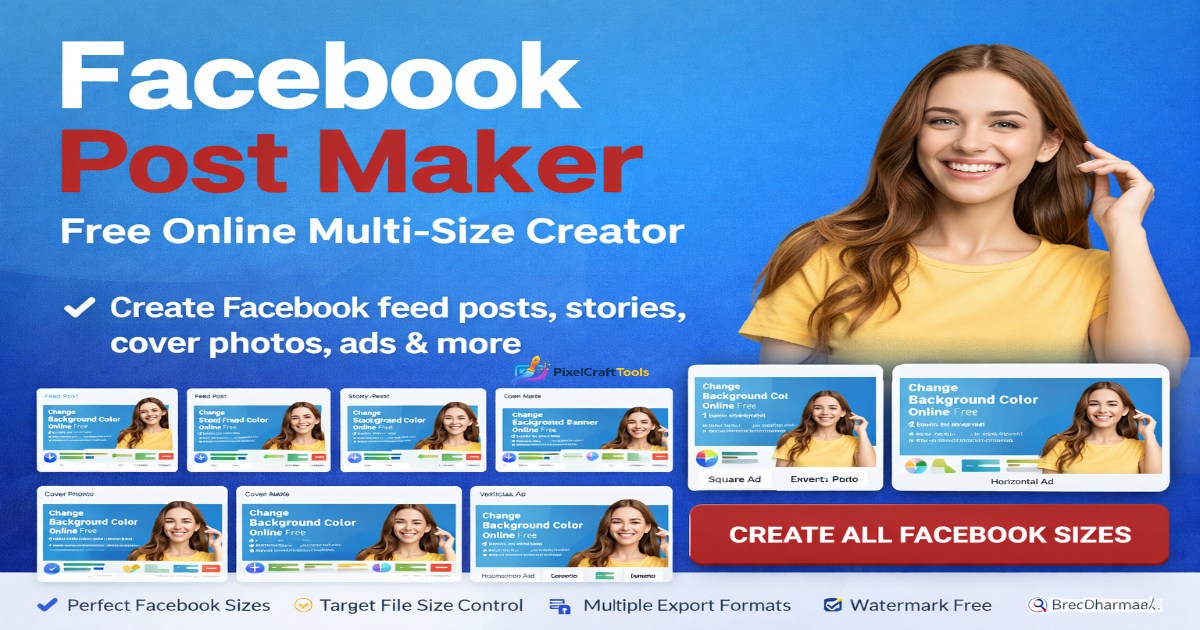
With the Facebook Post Maker by PixelCraftTools, you can upload a single image and quickly prepare multiple Facebook-ready versions for different placements.
-
Supported Facebook Formats
- Feed Posts
- Story / Reels
- Square Posts
- Cover Photos
- Event Banners
- Facebook Ads
- Vertical Ads
- Horizontal Ads
Everything works directly in your browser with a fast and beginner-friendly process. No complicated software, design experience, or heavy downloads required.
For cleaner results before uploading, you can optimize dimensions first with our Image Resizer Tool.
Why Correct Facebook Image Sizes Matter
Using the right image dimensions for Facebook can make a noticeable difference in how your content appears to viewers. Correct sizing helps visuals look sharper, more professional, and better aligned across different devices.
Using incorrect image sizes may lead to:
-
Cropped text, logos, or faces
-
Blurry or stretched visuals
-
Lower engagement from poor presentation
-
Unprofessional appearance
-
Weak mobile display experience
-
Important design elements being cut off
Well-optimized image sizing helps your posts look cleaner on both desktop and mobile screens, giving your content a stronger first impression.
Supported Facebook Formats
Our Facebook Post Maker helps users generate multiple commonly used Facebook image formats from one source image.
Feed Post
Recommended for standard timeline posts and shared content.
Common Size: 1200 × 630
Story / Reels
Best for full-screen vertical content designed for mobile users.
Common Size: 1080 × 1920
Square Post
Useful for balanced image posts with a clean and modern layout.
Common Size: 1080 × 1080
Cover Photo
Ideal for business pages, brands, and personal profile banners.
Event Banner
Useful for launches, promotions, webinars, and Facebook event pages.
Facebook Ads
Supports square, vertical, and horizontal ad-ready layouts for different placements.
After creating your final design, reduce file size for faster uploads with the Compress Image Tool.
Main Features of PixelCraftTools Facebook Post Maker
The Facebook Post Maker is designed to make image preparation faster, easier, and more flexible for creators, businesses, and everyday users.
One Upload → Multiple Sizes
Upload one image and instantly generate multiple Facebook-ready formats without repeating the process for each placement.
Multiple Export Formats
Choose the output format that best matches your needs:
-
JPG – Ideal for standard sharing and everyday photos
-
PNG – Great for sharp graphics, text, and cleaner visuals
-
WEBP – Useful for smaller file sizes and faster loading
-
SVG – Suitable for supported scalable wrapper exports
Target File Size Control
Select output size targets such as:
-
10KB
-
20KB
-
50KB
-
100KB
-
200KB
-
Custom Size
This can help reduce storage use and improve upload speed.
Private Processing
Images are processed in-browser where supported, helping keep files more private.
Watermark Free
No forced branding overlays added to your exported images.
Fast Downloads
Download files individually or in batches for a smoother workflow.
How to Use Facebook Post Maker
Using the Facebook Post Maker is simple and beginner-friendly.
Step 1
Upload your source image from your device.
Step 2
Choose an output format:
-
JPG for standard sharing
-
PNG for sharper graphics
-
WEBP for smaller file size
-
SVG for supported scalable export options
Step 3
Select your preferred target file size if needed.
Step 4
Generate Facebook-ready sizes for different placements.
Step 5
Preview the results and download your finished files.
For smaller, faster-loading exports, you can also use the Convert Image to WebP Tool after creation.
Best Export Format for Facebook
Choosing the right file format can help your Facebook images look cleaner, upload faster, and match the type of content you are posting.
JPG
Best for photographs, lifestyle images, and everyday posting. JPG is widely supported and often provides a good balance between quality and file size.
PNG
Great for logos, screenshots, graphics, text-based designs, and images that need transparent backgrounds or sharper edges.
WEBP
Excellent for modern lightweight image compression. WEBP can help reduce file size while maintaining strong visual quality.
SVG
Useful for scalable container exports and certain design workflows where vector-style support is needed.
Best File Size for Faster Facebook Uploads
Smaller optimized images often upload faster, use less bandwidth, and can display more efficiently across devices.
Recommended Starting Points
-
50KB – Lightweight posts with faster uploads
-
100KB – Balanced quality and file size
-
200KB – Higher quality visuals with more detail
The ideal file size depends on image complexity, dimensions, and the type of content being shared.
Facebook Content Tips for Better Results
Well-designed visuals can help attract attention and improve engagement on Facebook.
Use Bold Headlines
Short, clear text is often easier to read and can perform better in fast-scrolling feeds.
Keep Main Subject Centered
Some placements may crop outer edges, so keeping key elements centered is a smart approach.
Use Bright Contrast
Strong contrast can help images stand out in crowded timelines and feeds.
Keep Text Minimal
Too much text can reduce clarity and make visuals feel cluttered.
Test Different Sizes
Stories, feed posts, square formats, and ad placements may perform differently depending on audience behavior.
Ideal Users for This Tool
The Facebook Post Maker is designed for anyone who needs quick, professional Facebook-ready visuals without complicated software.
This Tool Is Useful For:
-
Bloggers creating post graphics
-
Businesses managing brand pages
-
Social media managers handling client content
-
Facebook advertisers preparing ad creatives
-
Ecommerce stores promoting products
-
Agencies creating campaign assets
-
Content creators publishing regularly
-
Meme pages making shareable graphics
-
Personal brands building online presence
Whether you post occasionally or manage content daily, this tool can simplify image preparation.
Why Choose PixelCraftTools
PixelCraftTools focuses on practical browser-based image utilities that are fast, simple, and beginner-friendly.
Benefits Include:
-
Fast and responsive interface
-
Free tools for everyday use
-
No design experience required
-
Modern export formats
-
Easy downloads
-
Clean and simple workflow
-
Useful tools for creators and businesses
The goal is to help users create polished visuals with less time and effort.
Complete Social Media Workflow
For stronger results, many users combine multiple tools as part of a simple publishing workflow.
Recommended Steps
👉 Use the Image Resizer Tool before uploading
👉 Use the Compress Image Tool after exporting
👉 Use the Convert Image to WebP Tool for faster performance
👉 Use the Background Remover Tool for cleaner designs
Using multiple steps can help improve image quality, reduce file size, and create more professional social media content.
Remove distracting or unwanted backgrounds with the Background Remover Tool.
SEO & Content Quality Statement
This content is created to help users better understand image sizing, file optimization, and publishing workflows through practical and easy-to-follow guidance.
The page focuses on real usefulness, clarity, and user experience rather than exaggerated claims or misleading promises. Its purpose is to provide helpful information for creators, businesses, and everyday users who want better results when preparing Facebook images.
All guidance is presented in a clear, user-first format intended to support responsible content creation and modern publishing standards.
AI & Output Responsibility Notice
Generated image outputs may vary depending on the quality of the uploaded file, selected settings, chosen export format, and browser rendering behavior.
For best results, users should review final images before using them in advertising campaigns, client projects, branded content, or commercial environments.
It is recommended to check text clarity, cropping, dimensions, and overall visual quality before publishing.
Frequently Asked Questions (FAQ)
Is Facebook Post Maker free?
Yes, PixelCraftTools provides free access to this tool.
Do I need Photoshop?
No. Everything works online in your browser.
Can I create Facebook cover photos?
Yes. Cover formats are included.
Does it support WEBP?
Yes.
Can I reduce file size?
Yes. Use target size options like 10KB, 50KB, 100KB, etc.
Can I create Facebook ads?
Yes. Multiple ad-ready dimensions are available.
Is my image uploaded to a server?
Some processing may occur in-browser depending on tool implementation and browser support.
Conclusion
If you regularly post on Facebook, using the correct image size can save time and improve presentation.
The Facebook Post Maker by PixelCraftTools helps you convert one image into multiple Facebook-ready sizes quickly, easily, and for free.
Whether you need feed posts, stories, cover photos, or ads, this tool simplifies the workflow.
Disclaimer
The information and tools provided on this page are for general informational and educational purposes only. While we aim to offer useful image resizing, formatting, and optimization features, results may vary depending on uploaded files, browser compatibility, device performance, and user-selected settings.
Users are solely responsible for reviewing and ensuring that all exported images meet their intended quality, platform requirements, and legal compliance before publishing or commercial use.
Google AdSense & Content Policy Notice
This page is designed to provide helpful, user-focused utility content in alignment with modern search quality principles. It does not promote misleading claims, deceptive practices, or prohibited content.
We strive to maintain a clean user experience and comply with applicable advertising platform standards, including content quality, transparency, and usability expectations. Ads, if displayed, are served independently and may be subject to platform review and policy controls.
Copyright & Intellectual Property Notice
Users must only upload, edit, convert, or process images they own, have permission to use, or are legally authorized to modify.
PixelCraftTools does not claim ownership of user-uploaded files. All trademarks, logos, brand assets, and copyrighted materials remain the property of their respective owners.
Using copyrighted content without permission may violate applicable intellectual property laws. Users are responsible for ensuring proper licensing, attribution, or authorization where required.
AI / Automated Output Notice
Where automated formatting, resizing, compression, or generation features are used, outputs are created based on technical processing rules and browser rendering behavior. Users should manually review final outputs before personal, public, advertising, or commercial use.
No Professional Advice
This website does not provide legal, financial, or professional advice. For specific copyright, licensing, advertising, or compliance questions, users should consult qualified professionals or official platform documentation.
External Platforms Notice
Facebook, Meta, Google, YouTube, and other platform names may be referenced for compatibility or educational purposes only. PixelCraftTools is not affiliated with or endorsed by these companies unless explicitly stated.
Limitation of Liability
By using this tool, you agree that PixelCraftTools shall not be liable for any losses, damages, policy actions, rejected ads, account issues, publishing errors, or other consequences resulting from the use of this tool or exported files.
Official References
Google Search Central – Helpful Content
Google Search Central – Image SEO
Web.dev – Image Optimization
Meta Business Help Center