
How to Compress Images Online Free (Fast & High Quality Optimization Updated 2026)
Learn how to compress image online for faster websites. Step-by-step guide to reduce image size without losing quality using free tools.
Policy Declaration: This content is for educational purposes only. It explains image compression techniques and optimization practices without guaranteeing specific results.
Compress Image Online 2026 Guide & Reduce Image Size Without Losing Quality
Want faster website speed? Learn how to compress images online for free, reduce file size, and optimize images without losing quality in this complete 2026 guide. Images play a major role in website performance, but large image files can slow down your site significantly. This is why image compression is essential.
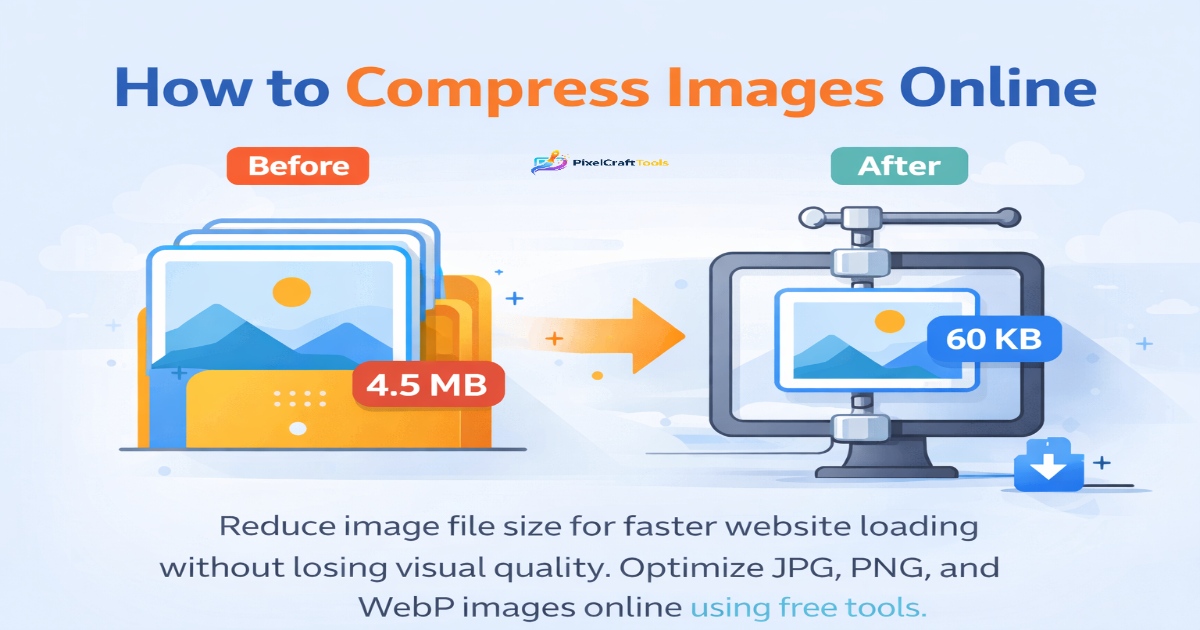
By using the right tools, you can compress image size without noticeable quality loss, improving speed, SEO, and user experience.
What is Image Compression?
Image compression is the process of reducing the file size of an image while preserving its visual quality as much as possible. It helps optimize images for faster loading, improved performance, and better user experience on websites and digital platforms.
There are two main types of image compression:
Lossy Compression
This method reduces file size by removing some image data that is less noticeable to the human eye. It results in much smaller file sizes but may cause a slight reduction in image quality.
Lossless Compression
This method reduces file size without removing any image data, ensuring that the original quality is fully preserved. However, the file size is usually larger compared to lossy compression.
Image Resizer: resize images online quickly with our Image Resizer tool
Why Compress Images?
Image compression plays a crucial role in improving website performance, user experience, and search engine visibility. By reducing file size without significantly affecting quality, images become more efficient for web use.
1. Faster Loading Speed
Smaller image files load more quickly, helping pages display faster and reducing waiting time for users. This leads to a smoother browsing experience and lower bounce rates.
2. SEO Benefits
Search engines prioritize fast-loading websites. Optimized images contribute to better page speed, which can positively impact search rankings and overall visibility.
3. Better Mobile Performance
Compressed images load efficiently on mobile devices, especially on slower networks. This ensures a consistent and responsive experience across all screen sizes.
4. Reduced Bandwidth Usage
Smaller file sizes require less data to load, which helps reduce bandwidth consumption and improves website performance, especially for high-traffic sites.
Convert Image to WebP: convert images to WebP format easily using our Convert Image to WebP tool
How to Compress Images Online (Step-by-Step)
Method: Using an Online Tool
You can easily compress image online using a free and user-friendly tool without installing any software. Online tools are fast, efficient, and ideal for quick image optimization.
👉 Recommended tool:
compress image size
Background Remover: remove image background instantly with our Background Remover tool
Steps to Follow:
- Upload your image file (JPG, PNG, or other supported formats)
- Select the desired compression level (balanced or high compression)
- Start the compression process
- Download the optimized image file
Benefits of Using Online Tools:
- No installation required
- Fast and simple process
- Maintains image quality
- Works on all devices (desktop & mobile)
Steps:
- Upload image
- Choose compression level
- Download optimized file
✔ Fast
✔ Free
✔ No installation
Common Mistakes
❌ Over-compressing images
❌ Not resizing first
❌ Using wrong format
❌ Uploading large files directly
Best Workflow (Pro Tip)
For optimal performance and image quality, it is important to follow a structured optimization process. Using the right sequence ensures maximum efficiency and better results.
👉 Follow this workflow:
- Resize Image – Adjust the image dimensions to match your website layout and avoid unnecessary large file sizes.
- Compress Image – Reduce the file size while maintaining visual quality for faster loading.
- Convert to WebP – Use modern formats like WebP for better compression and improved web performance.
👉 Why this works:
Following this sequence helps minimize file size at every stage, resulting in faster page load times, improved SEO performance, and a smoother user experience.
AI Image Generator: create images from text using our powerful AI Image Generator tool
Compression vs Quality
| Level | Size | Quality |
|---|---|---|
| Low | Large | High |
| Medium | Balanced | Good |
| High | Small | Slight loss |
Future of Image Optimization
Image optimization is continuously evolving with modern formats like WebP and AVIF, which offer superior compression and improved visual quality compared to traditional formats. These advancements enable websites to deliver faster loading times while maintaining high-resolution visuals.
As web technologies progress, image optimization will become more automated, with smarter algorithms and AI-driven tools handling compression, resizing, and format selection in real time. This will help developers and content creators achieve optimal performance with minimal effort.
👉 Result:
Faster websites, improved user experience, and more efficient content delivery across all devices.
Conclusion
Image compression is essential for modern websites. By reducing file size without compromising quality, you can significantly improve performance, SEO, and user experience.
👉 Use a reliable tool to compress image size and optimize your website effectively.
Disclaimer
This content is for informational purposes only. Results may vary depending on image type and compression level.
Frequently Asked Questions (FAQs)
What is image compression?
Reducing image file size while maintaining quality.
Does compression reduce quality?
Slightly in lossy compression, not in lossless.
Is image compression good for SEO?
Yes, it improves page speed.
Can I compress images online for free?
Yes, using free tools.
Should I resize before compressing?
Yes, for best results.
Which format is best?
WebP is best for web optimization.
Does compression affect performance?
Yes, it improves loading speed.
HIGH-AUTHORITY REFERENCES & SOURCES
Google WebP & Image Optimization Guide
This official Google resource explains modern image formats like WebP and how efficient compression techniques can significantly reduce file sizes while maintaining visual quality. It highlights best practices for optimizing images for web performance and faster loading speeds.
Google Search Central – Website Performance & SEO
This platform provides guidance on how website speed, image optimization, and performance impact search rankings. It emphasizes the importance of reducing page load time and improving user experience for better SEO results.
TRANSPARENCY & AFFILIATE DISCLOSURE
Some links on this page may direct to third-party tools or services. These are shared for informational and educational purposes only. We do not guarantee performance, results, or outcomes from any external platforms.
Any recommendations are based on general research and publicly available information, not promotional claims. Users are encouraged to independently verify details, pricing, and terms before using any third-party service.